
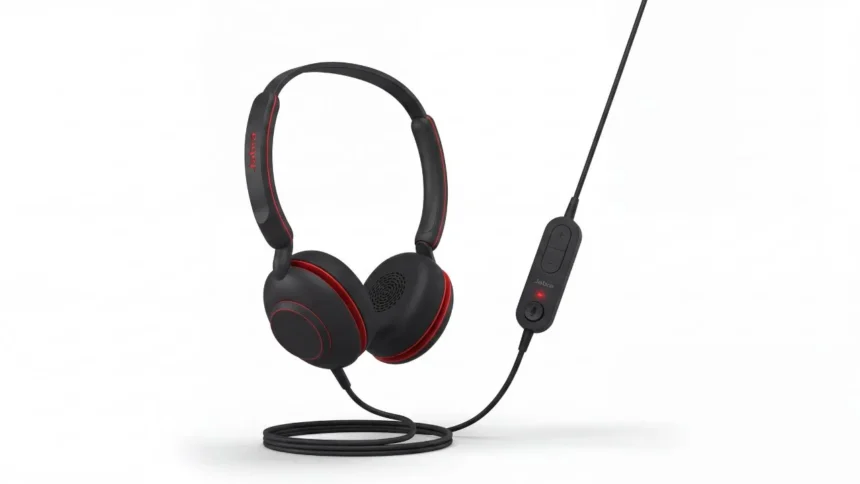
Between video meetings, calls, and hours spent on headsets that pinch after an hour, comfort and reliability matter more than flashy features for most people working from a desk. The Jabra Evolve 10 is built specifically for that use case — no pairing, no app, no charging schedule to manage. Just plug it in and it works.
Quick Verdict
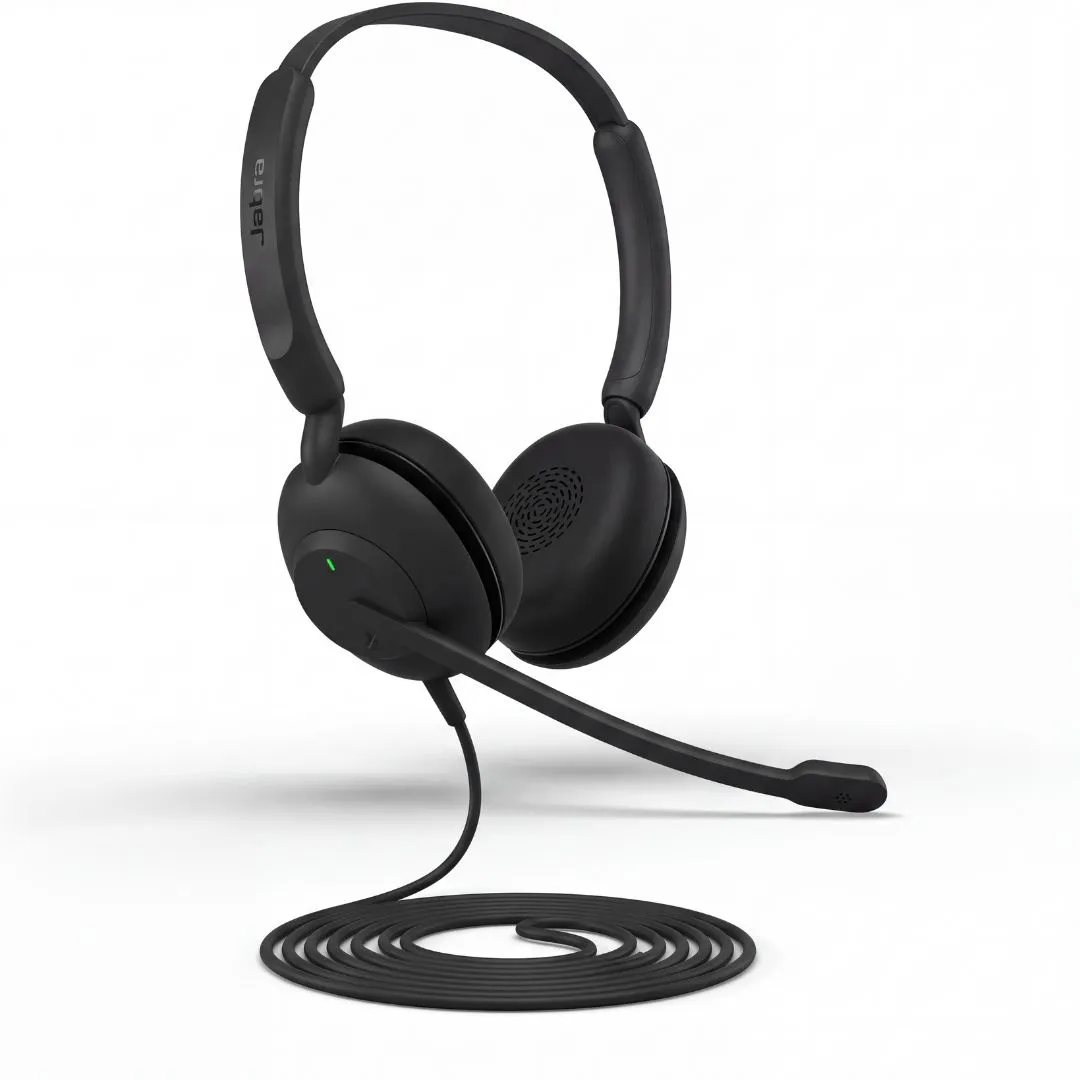
The Evolve 10 is an excellent pick for remote workers, office employees, and anyone spending several hours a day on calls or video meetings. It trades flashy extras for genuine reliability, comfort, and clear call quality — exactly what a work headset should prioritize.
What Makes the Evolve 10 a Strong Choice
Truly Plug-and-Play Setup
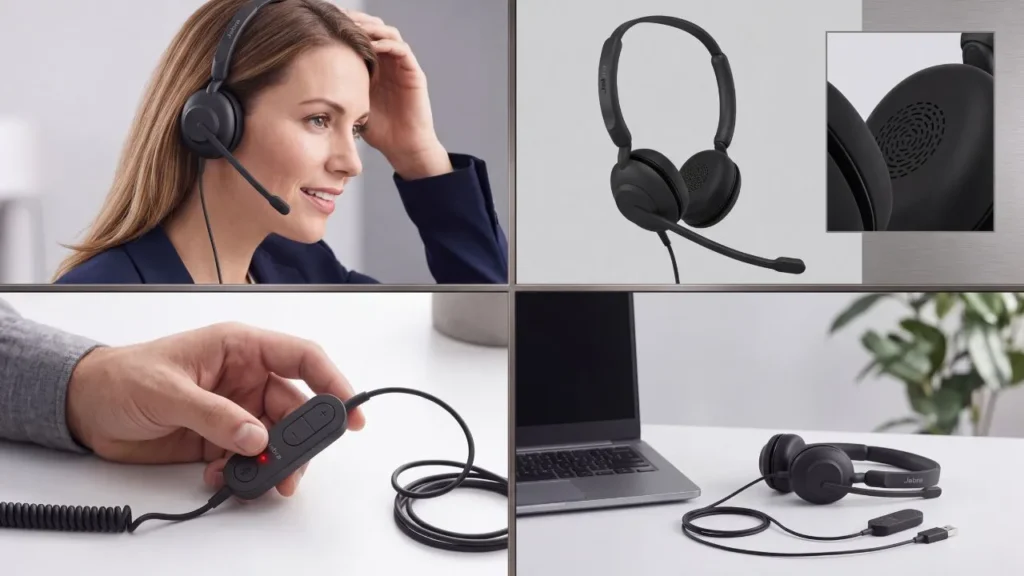
No software installation, no Bluetooth pairing, no drivers to configure. Connect it via USB-A and it’s immediately ready for calls, meetings, or media. For anyone who’s dealt with wireless headsets losing connection mid-meeting, the simplicity here is a real advantage, not a limitation.
Noise-Cancelling Microphone
Built specifically to filter out background noise — useful for shared workspaces, home offices with household noise, or open-plan offices. This means the people on the other end of your calls hear you clearly, without picking up keyboard clicks, fans, or background chatter.
Lightweight, All-Day Comfort
Designed to be worn for extended periods without the fatigue heavier headsets cause. The compact, minimalist build keeps weight off the head and ears during back-to-back meetings.
Adjustable Boom Arm
The microphone arm adjusts to either side, so the headset fits your preference rather than forcing one wearing style — a small detail that matters over hours of daily use.
Inline Call and Volume Controls
Answer calls, adjust volume, and manage basic functions directly from the headset — no need to alt-tab to a laptop volume control mid-call.
TCO Certified and Eco-Conscious Build
Made from more than 50% recycled plastic and TCO certified — a genuine sustainability credential, not just marketing language, and a point worth considering if your workplace has sustainability purchasing guidelines.
Who Should (and Shouldn’t) Buy This
Good fit if you want:
- A dependable headset for daily video calls and meetings without wireless connectivity issues
- All-day comfort for long work sessions
- Clear call audio in noisy or shared environments
- A simple, no-setup plug-and-play solution for PC or laptop
Maybe skip it if:
- You need a wireless headset for mobility away from your desk
- You want a headset for music/entertainment with rich bass — this is purpose-built for voice clarity, not music listening
- You need multi-device Bluetooth switching between phone and laptop
Specs at a Glance
| Feature | Jabra Evolve 10 |
|---|---|
| Connection | Wired USB-A |
| Noise control | Active noise cancellation (mic) |
| Fit | On-ear, adjustable boom arm |
| Controls | Inline call and volume controls |
| Certification | TCO Certified |
| Materials | 50%+ recycled plastic |
| Best for | PC/laptop calls, online meetings |
Frequently Asked Questions
Does the Jabra Evolve 10 require software to set up?
No — it connects via USB-A and works immediately without drivers or additional software, making it ready for calls right out of the box.
Is the microphone good for noisy environments?
Yes, it includes a noise-cancelling microphone specifically designed to filter background noise, so your voice comes through clearly even in busy or shared spaces.
Can I wear the microphone on either side?
Yes, the boom arm is adjustable and can be worn on the left or right, depending on preference.
Is this headset comfortable for all-day wear?
Yes — it’s built as a lightweight, minimalist design specifically intended for extended daily use during meetings and calls.